Hello, Homelabber!

You are logged in as Visitor (guest@example.com)

This is our private home gateway. It securely runs smart home features, local metrics, and recipe books, mapping them safely through Cloudflare Tunnels without opening router ports.

Our Mapped Paths

Click to visit, or check accessibility based on your login profile.

Everyone

Landing Page

hebert.house

This homepage! Served globally on Cloudflare Pages. Open to the public.

Everyone

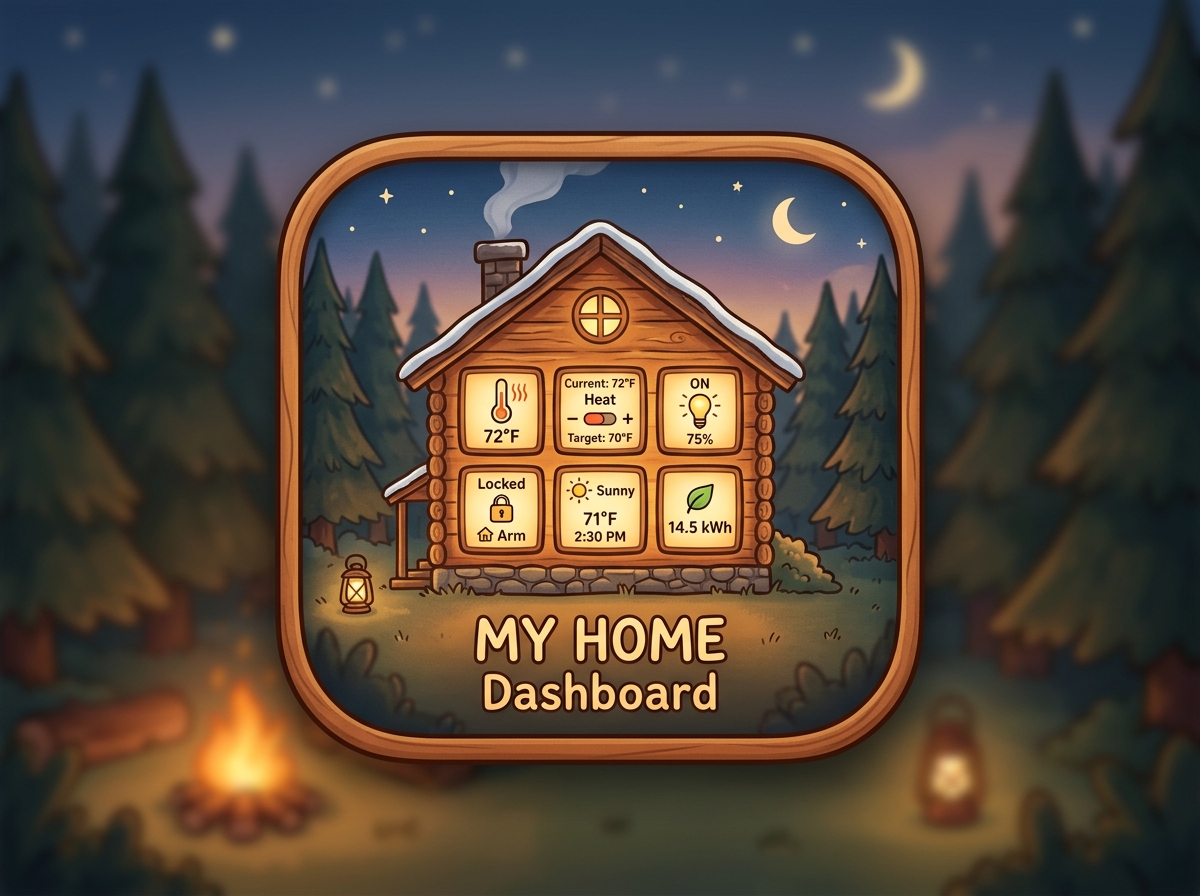
Home Assistant

hebert.house/ha

Controls our lights, thermostats, and sensors. (Guests get a simplified read-only view).

Dakota & Amber

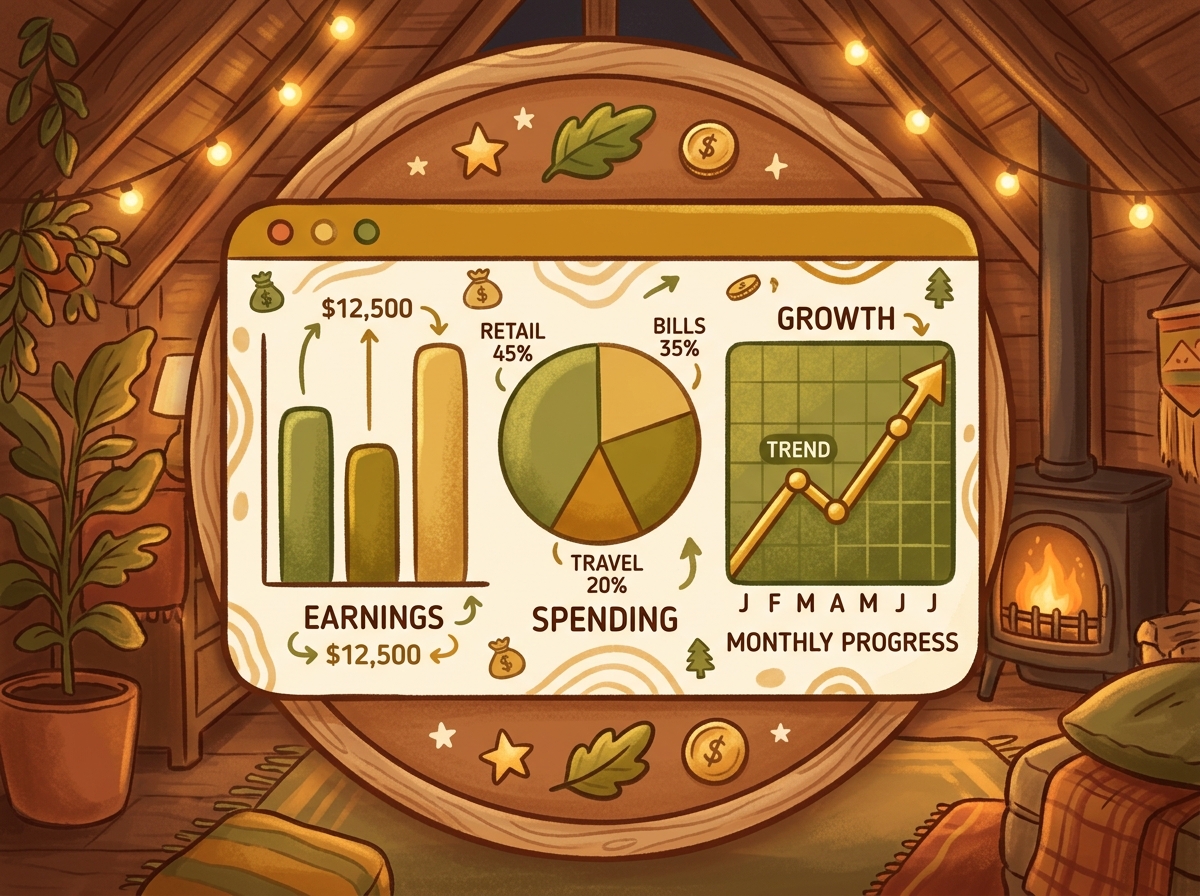
Grafana (Finance)

hebert.house/finance

Our household budget tracking, utility charts, and local server analytics.

Dakota & Amber

Mealie / Cookbooks

hebert.house/mealie

Shared recipe organizer, meal schedules, and grocery list creator.

Dakota Only

Pi-hole Admin

hebert.house/pihole

Blocks annoying ads on our home Wi-Fi and handles local DNS records.

Dakota Only

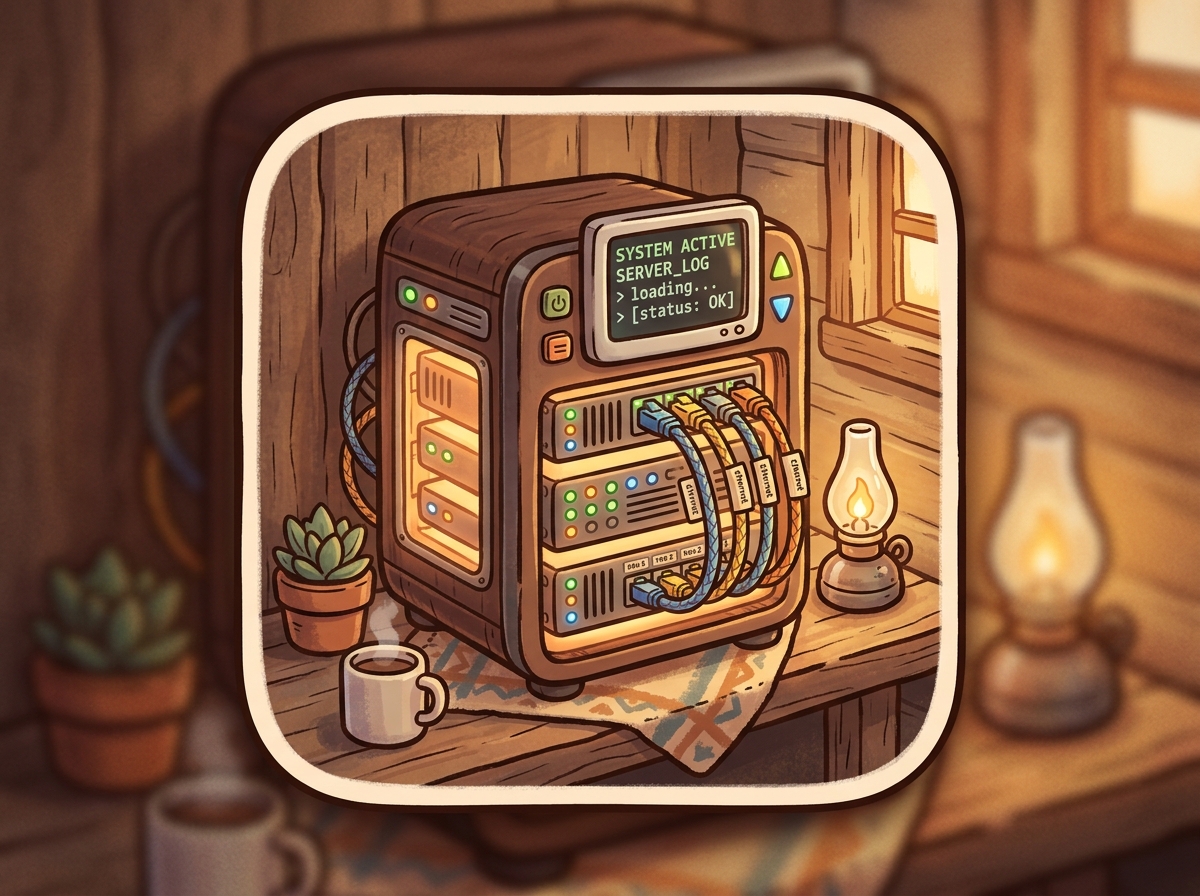
Proxmox Host (PVE)

hebert.house/pve

Hypervisor core where all our local servers, files, and LXC containers live.

Cozy Ingress Simulator

A simple visual showing how traffic gets safely inside our home cabin through Cloudflare Access policies.

Public
Home App
Shared
System
SSO Gate

Policy Access Inspector

User Profile: Guest Profile

Email Checked: guest@example.com

Cabin Door Status: Access Restricted

💡 Try this: Click the "Sign Out" button at the top to log back in as Dakota or Amber to see the cabin windows light up and the front door unlock!

Homelab Setup Manual

A quick, simple guide detailing the configuration of our home servers.

Setup Tasks Completed 0%

Log in to the registrar where you bought hebert.house and replace the default nameservers with the ones provided in your Cloudflare dashboard.

This starts an outbound-only connection to Cloudflare so we don't have to open ports on our Google Fiber router.

Proxmox Host Shell
bash -c "$(wget -qLO - https://github.com/community-scripts/ProxmoxVE/raw/main/ct/cloudflared.sh)"

Configure rules under Zero Trust → Access → Applications so only allowed emails can authenticate.

To prevent HA from throwing an HTTP 400 Bad Request error when accessed via the proxy tunnel, add your tunnel container's local IP as a trusted proxy.

Local Tunnel IP Address:

Add to your configuration.yaml:
http:
  use_x_forwarded_for: true
  trusted_proxies:
    - 127.0.0.1
    - ::1
    - 192.168.1.15

Option 1: PWA (Safari/Chrome Home Screen shortcut)

Open Safari (iOS) or Chrome (Android) → Navigate to path route (e.g. hebert.house/finance) → Tap Share menu → Click "Add to Home Screen". Locks the credentials in a clean fullscreen browser container.

Option 2: HA Companion App (Nabu Casa vs Tunnel)

Recommended: Set the Companion app's internal URL to your Nabu Casa remote URL (bypasses Cloudflare login checks). Keep hebert.house/ha for laptop and desktop browser bookmarks.